


Child watching cartoons and kids channels on a big television

Kids channels and
cartoons around the clock

From CBeebies and CBBC to Nickelodeon and Cartoon Network. In English, with parental controls you set yourself.

  • Safeparental controls
  • All devicesTV, tablet, phone
  • Englishaudio
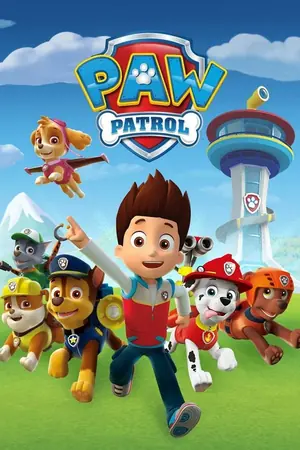
Paw Patrol
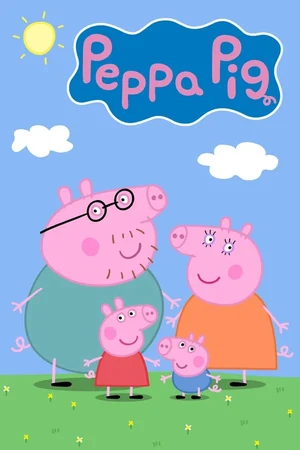
Peppa Pig
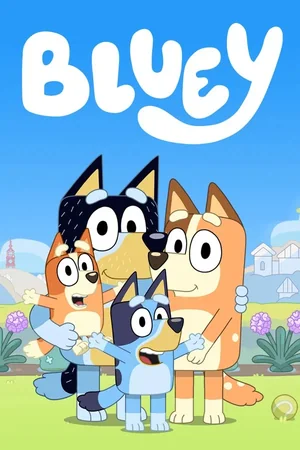
Bluey
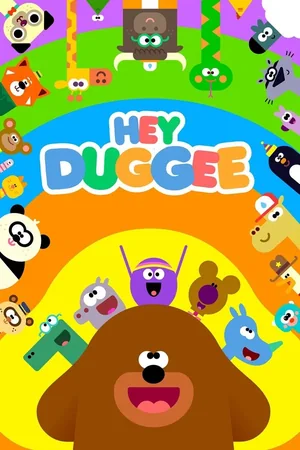
Hey Duggee
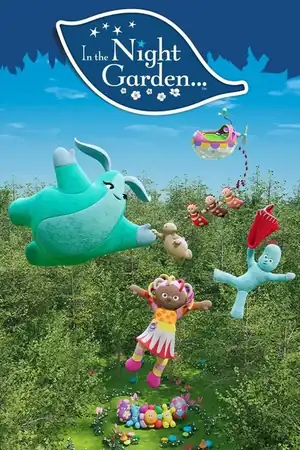
In the Night Garden
Horrible Histories
Fireman Sam
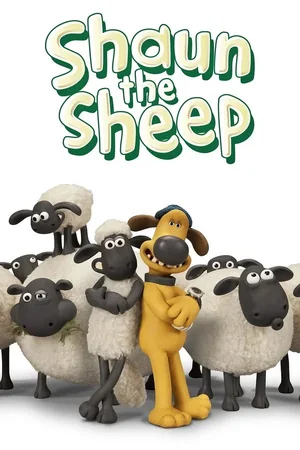
Shaun the Sheep
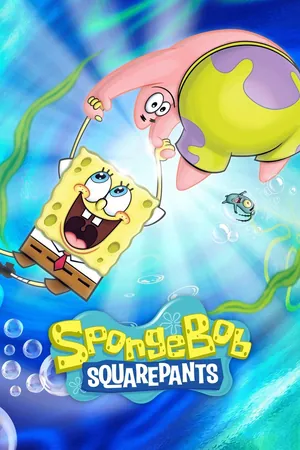
SpongeBob SquarePants
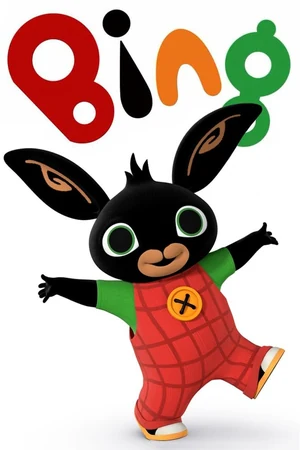
Bing
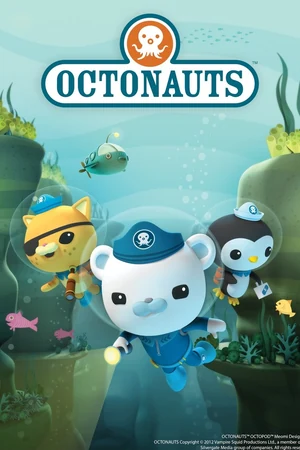
Octonauts
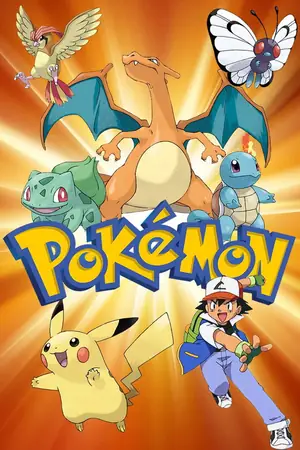
Pokémon
Thomas & Friends
Paw Patrol
Peppa Pig
Bluey
Hey Duggee
In the Night Garden
Horrible Histories
Fireman Sam
Shaun the Sheep
SpongeBob SquarePants
Bing
Octonauts
Pokémon
Thomas & Friends
Paw Patrol
Peppa Pig
Bluey
Hey Duggee
In the Night Garden
Horrible Histories
Fireman Sam
Shaun the Sheep
SpongeBob SquarePants
Bing
Octonauts
Pokémon
Thomas & Friends
Channel line-up

Which kids channels are included?

These are the channels parents ask about most. They are all in the package.

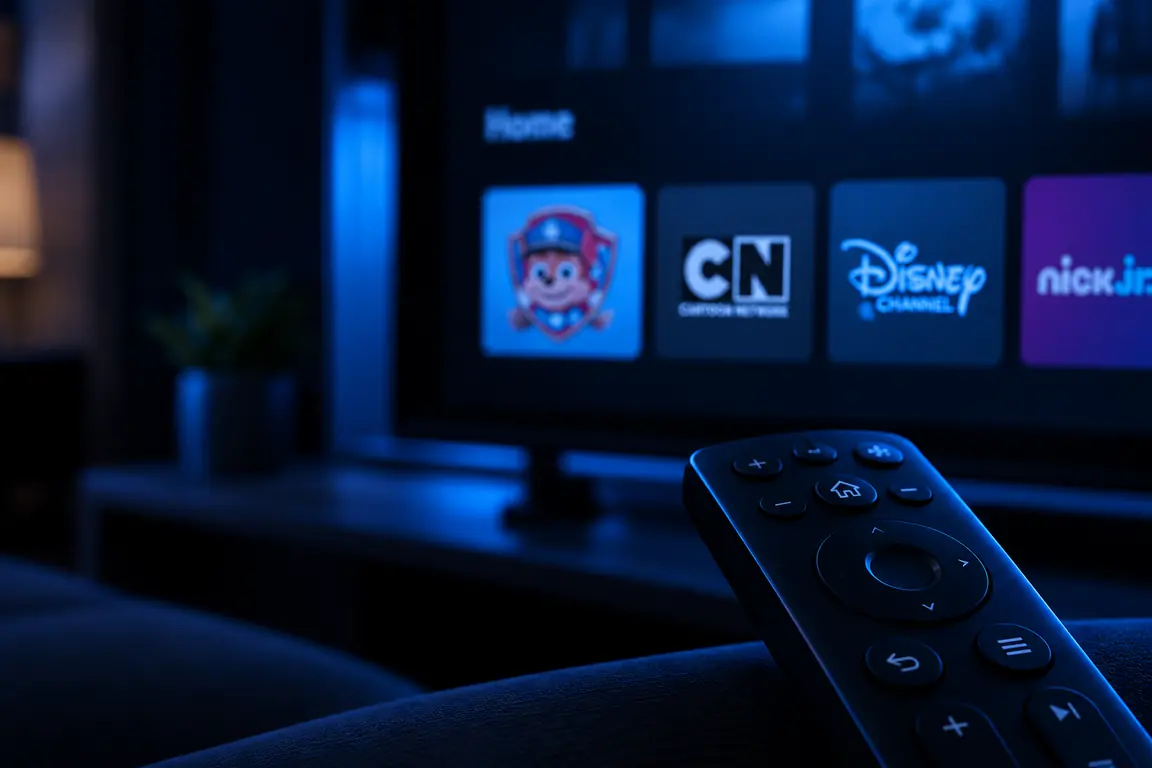
Logos of CBeebies, CBBC, Pop, Tiny Pop, Nickelodeon, Nick Jr., Nicktoons, Cartoon Network, Boomerang, Cartoonito and Disney Channel

United Kingdom & IrelandCBeebies, CBBC, Pop, Tiny Pop and RTE Junior

InternationalNickelodeon, Nick Jr., Nicktoons, Cartoon Network, Boomerang, Cartoonito, Disney Channel, Disney Junior and BabyTV

For the youngestCBeebies, BabyTV, Nick Jr. and Disney Junior

Family filmsDisney and Pixar, DreamWorks, animated classics and new releases

Missing a channel? Tell us which channel your children watch and we will add it, even if it is not in the list above.


Language & audio

Is everything in English?

For younger children this matters more than the channel count: a child who cannot read fluently gets nothing from subtitles.

CBeebies, CBBC and the other British channels are English throughout. The international kids channels broadcast their English feed, and most players let you switch between audio tracks while watching.

Mind the difference between live channels and the on-demand library. Films and series on demand do not always carry every audio track. If your child should watch in English above all, stay with the live channels.

English audio

Safe viewing

Setting up parental controls

An IPTV package carries tens of thousands of channels. Some of those categories have no business being on a child's remote.

A father sets up parental controls with the remote while his daughter watches a children's programme beside him on the sofa
  1. Open your player's settings. In IPTV Smarters this is called Parental Control; in IBO Player and Televizo you will find it under Lock or Parental Lock.
  2. Set a PIN. Do not pick one your child knows.
  3. Lock or hide the categories you would rather not show. Many players hide whole categories at once, so they never appear in the list at all.
  4. Build a favourites list holding only the kids channels. That works best in practice, and it is easier for a child to use than a list of several thousand channels.
Test it yourself afterwards. Go looking for a blocked category and check the PIN is actually asked for. Repeat that after the app updates.

By age

Popular kids programmes

The titles British children actually watch, sorted by age.

2-5Toddlers & pre-school
6-12Children
Toddlers & pre-school
  • Peppa Pig
  • Bluey
  • Hey Duggee
  • In the Night Garden
  • Paw Patrol
  • Teletubbies
  • Bing
  • Numberblocks
Children
  • Horrible Histories
  • Danger Mouse
  • Blue Peter
  • Shaun the Sheep
  • Operation Ouch!
  • The Dumping Ground
  • Odd Squad
  • Newsround

Watch anywhere

Which devices can children watch on?

An IPTV subscription runs on a smart TV, a TV box, a tablet, a phone and a laptop: the same login, one app on the device.

Mind the difference between how many devices you install on and how many streams may run at the same time. Install on as many devices as you like; watching at once is limited to the connections in your package. If your child watches on a tablet while the television is on in the living room, that is two simultaneous streams.

Supported devices
  • Smart TV
  • Fire TV Stick
  • Android TV and Google TV
  • Apple TV
  • Tablet and phone
  • MAG box
  • Laptop
A mother and her daughter watch a children's programme together on a tablet, with a smart TV and a TV box behind them

Frequently asked questions

Can't find your question?

We are happy to help.

The British kids channels such as CBeebies, CBBC, Pop and Tiny Pop, alongside the international ones: Nickelodeon, Nick Jr., Cartoon Network, Boomerang, Disney Channel, Disney Junior and BabyTV. If a channel your children watch is missing, tell us on WhatsApp: we add channels on request.

CBeebies, CBBC and the other British channels are English throughout. The international kids channels carry their English feed, and most players let you switch between audio tracks while watching. Titles from the on-demand library do not always carry every audio track.

Yes. Every IPTV player has parental controls. You set a PIN and lock or hide the categories you would rather not show. A favourites list holding only the kids channels works best in practice, and it is easier for a child to use than a list of several thousand channels.

CBeebies and CBBC do not, they broadcast without advertising. The commercial and international channels carry ad breaks as they do on normal television. If an ad-free experience matters to you, build the favourites list around CBeebies.

You can install on as many devices as you like. How many streams may run at once depends on the number of connections in your package. For a household where a child watches on a tablet while the television is on in the living room, two connections is the minimum.

No. Everything runs over your internet connection. A Smart TV, a Fire TV Stick or a tablet is enough. You need no dish, no cable line and no box from a provider.

Yes. You can try the package free for 24 hours. Use the trial at a time when your children would be watching anyway, so you test the channels and the stability that actually matter to you.

Choosing channels

Missing a channel?

Tell us which channels your children watch and we will check them for you. If one is not in the package yet, we add it. You can try the package free for 24 hours first.

If the children watch on a tablet while you watch in the living room, the number of streams matters. That is covered in How many devices can you use with one IPTV subscription?