Search "best IPTV subscription service" and you'll get dozens of listicles ranking providers that paid for placement on that list. That's the honest reason we're not adding another one: a ranking is only as good as who's paying for the spots, and we'd rather give you the actual questions to ask than a shortlist you can't verify.
Below is the framework we use ourselves — a scannable table of what actually predicts reliability, picks based on what you're specifically trying to do, and the red flags that show up after a bad choice, before you find out the hard way.
Quick Answer
Ignore the channel-count number. What predicts a good IPTV service is stream stability during peak hours (not a quiet Tuesday), device compatibility with what you already own, a real trial period, and pricing with no hidden fees. Skip anything with no trial, no verifiable contact info, or numbers that change from page to page.
Want to test before committing?
Request a free 24-hour trial — no card required.
The Decision Table
This is the fast version. If you only check five things before subscribing to anything, check these:
| What to Check | Good Sign | Red Flag |
|---|---|---|
| Trial period | Real trial, no card required | No trial, "pay first" only |
| Stream stability | Adaptive-bitrate / anti-freeze tech named specifically | Vague "HD quality" claims only |
| Channel numbers | Can name specific leagues/categories | Round number that changes page to page |
| Support | Direct contact (WhatsApp, chat), fast reply | Contact form only, no response time stated |
| Pricing | All fees shown upfront | Price jumps at checkout |
The sections below go deeper on each of these if you want the reasoning, not just the checklist.
Best IPTV Setup For Your Situation
"Best" depends on what you're actually optimizing for. A few common starting points:
If live sports is the priority
League coverage and stability at kickoff matter more than general channel count.
Read the sports-specific guide →If you're switching from cable
The real cost and contract differences, not just the sales pitch.
Read the IPTV vs cable comparison →If you want the lowest cost per month
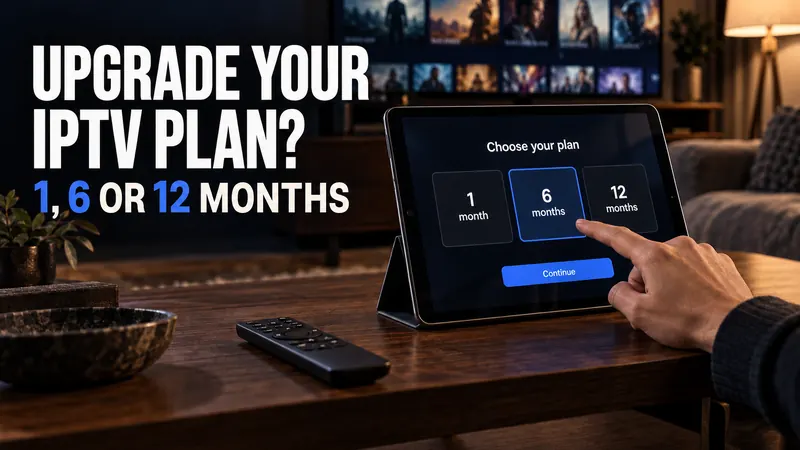
Longer plans cost less per month, but only pay off if you've tested stability first.
See the real cost math →If you're setting up for the first time
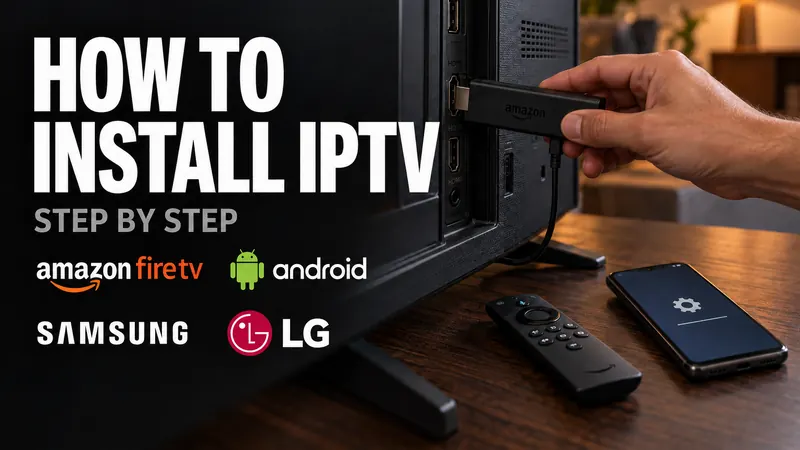
Device-specific steps for Smart TV, Firestick, Android, and iOS.
Read the install guide →Channel & VOD Library Depth
A useful channel list is one that's actively maintained, not one that's simply large. Look for coverage across the categories you'll actually use — live sports leagues, regional/local channels if that matters to you, and a VOD library that's updated with new releases rather than sitting static for months. A provider that can name specific leagues or content categories it covers is giving you something you can verify; a provider that only offers a round number is not.
Stream Stability During Peak Hours
The real test of any IPTV service isn't a quiet afternoon — it's kickoff on a Saturday, when every subscriber's stream is hitting the same infrastructure at once. This is where "anti-freeze" or adaptive-bitrate technology matters: a service that can downshift quality automatically to preserve a continuous stream, rather than freezing and requiring a manual restart, will hold up far better during the moments you actually care about.
If a provider offers a trial, this is the single most useful thing to test with it. Watch something during a genuinely busy period, not immediately after signing up.
Device Compatibility
Check that the service works on your actual hardware before you commit — Smart TVs (Samsung/LG), Firestick, Android boxes, iOS, and MAG boxes are the common ones. A service that requires a separate paid app subscription on top of your IPTV plan, or that only documents setup for one platform, is going to cost you more time and money than the sticker price suggests.
Red Flags to Watch For
No trial or verification period offered before a paid commitment.
No real contact method beyond a generic form, or no verifiable business identity at all.
Channel-count claims that change depending on which page of the site you're on.
Reviews or ratings with no way to verify they're real.
No refund policy, or a refund policy that contradicts other pages on the same site.
Frequently Asked Questions
Is IPTV legal?
IPTV as a technology is simply a method of delivering television over the internet instead of satellite or cable — it's not inherently different from any other streaming delivery method. What matters is whether the specific content being delivered is properly licensed by the provider offering it, not the delivery method itself.
How do I check if a provider is legitimate before paying?
Look for a real, verifiable business identity, transparent contact information, and a willingness to answer direct questions about content sourcing rather than relying on marketing claims alone. A provider that offers a trial and a stated refund policy is giving you a way to verify the service yourself before committing further.
Why do prices vary so much between IPTV providers?
Infrastructure costs, content licensing arrangements, and support quality all vary, and price often reflects that. A price far below the market range is more often a sign of unstable infrastructure or unlicensed sourcing than a genuine bargain — it's worth being as skeptical of unusually low prices as of unverifiable high ratings.
What should I do if the service doesn't work well on my TV or device?
Confirm device compatibility and setup steps before committing, ideally during a trial. See our device-by-device installation guide for exact setup steps on Smart TVs, Firestick, Android, and iOS, and use a trial period specifically to test on your own hardware rather than assuming compatibility from a marketing page.