Most "best IPTV" content is written for general entertainment. If live sports is the actual reason you're subscribing, the priorities are different — a service can have a huge movie library and still be the wrong choice if it freezes during the second half.
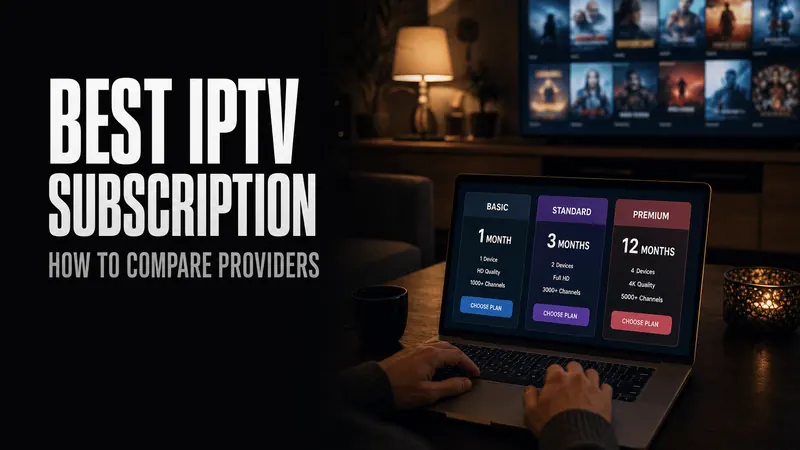
This is a companion to our broader IPTV buyer's guide, focused specifically on what changes when sports is the priority.
Quick Answer
For sports specifically, check three things before anything else: whether the provider can name the actual leagues it covers (not just "sports channels"), whether it has adaptive-bitrate or anti-freeze technology for handling traffic spikes at kickoff, and whether it supports the device you'll actually be watching on for a big match.
League Coverage: Ask for Specifics
"Sports channels included" means very little on its own. A provider that can name the actual competitions it carries is giving you something verifiable. For reference, our own sports channel lineup includes:
Top European football
Premier League, LALIGA, Ligue 1, UEFA Champions & Europa League
English football depth
EFL Championship, League One & Two, Carabao Cup
International & continental
AFC Champions League, CONMEBOL Libertadores & Sudamericana, CAF Super Cup
Beyond football
Formula 1, NBA, NFL, UFC, and other major live sports
If a provider won't tell you specifically which leagues are covered before you pay, that's worth treating as a gap, not an oversight.
Stability at Kickoff, Not Just on Paper
Sports traffic is spiky in a way that on-demand movies aren't — everyone's stream hits the same infrastructure at the same moment, right as the match starts. This is exactly where adaptive-bitrate ("anti-freeze") technology matters: a service that automatically downshifts quality to keep the stream continuous, instead of freezing and forcing a manual restart, is the difference between missing a goal and not.
A trial is the only real way to verify this claim rather than take it on faith. Watch something during an actual high-traffic window — a Saturday afternoon kickoff, not a quiet Tuesday evening.
If a match still stalls after the trial, work through our IPTV buffering checklist to see whether the cause is your own setup or the provider.
Multi-Device Viewing for Game Day
Match day usually isn't single-device: the main TV for the game, a phone or tablet for score-checking or a second match, sometimes a second room entirely. Confirm the plan actually supports simultaneous streams on multiple devices, not just multi-device compatibility (installable on different devices, but only one active at a time). These are different things, and the fine print matters more here than for general entertainment use. See our installation guide for setup on each platform.
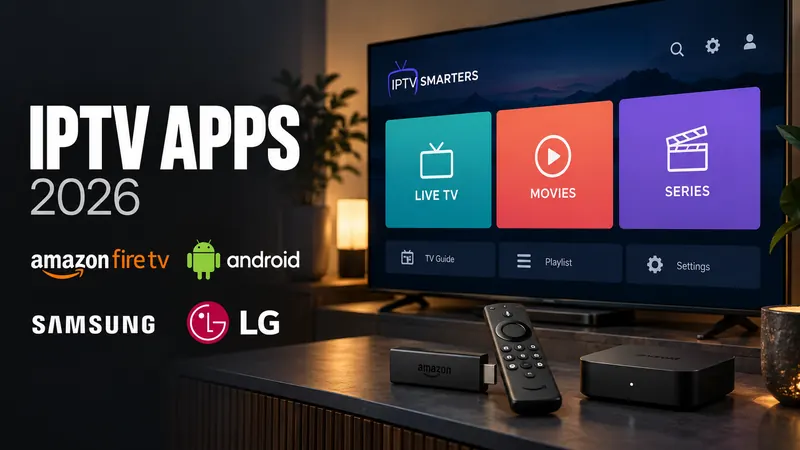
The player matters here too. Some can show several channels at once, which helps on a two-match afternoon; see IPTV apps compared for Firestick, Android and Smart TV for which ones do.
Test It on an Actual Game Day
The single best pre-purchase test for a sports-focused subscription is watching a real match during a trial period, not a highlight clip or a quiet-hours stream. If a provider won't offer any way to verify stability before a longer commitment, that's a signal worth weighing against the price.