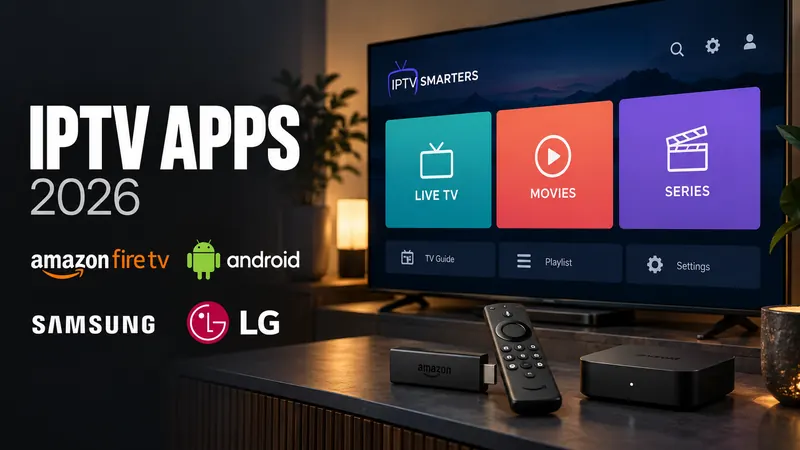
Finding an IPTV app is easy. Finding a good one is hard. With hundreds of options on the Google Play Store and Amazon Appstore, which one gives you the smoothest playback, a usable Electronic Program Guide (EPG) and an interface you can run from a remote?
We tested over 17 popular IPTV players on Firestick 4K Max, Nvidia Shield and standard Android TV boxes, and ranked them on speed, interface and features. These are the seven we would install in 2026. Not all of them are free: several have a paid upgrade, so the table below shows the price model next to each app. If you have not installed a player yet, our IPTV installation guide for any device walks through the setup step by step.
Quick comparison
Platforms and prices were rechecked in September 2026. Click an app name to jump to its section.
| App | Devices | Free or paid | Best for | Limits |
|---|---|---|---|---|
| IPTV Smarters Pro | Android, iPhone and iPad, Fire TV, Samsung, LG, Windows, Mac | Free to download | Beginners, one app on many devices | Some features need the paid Premium version |
| TiviMate | Android TV, Google TV, Fire TV, Android phones | Free, with a paid Premium upgrade | Remote-control viewing on Fire TV and Shield | Recording, multi-view and catch-up need Premium. No iPhone, Samsung or LG version |
| OTT Navigator | Android TV, Google TV, Android phones and tablets. Fire TV by sideloading | Free with ads while browsing, paid Premium unlock | Several playlists in one list, tweaking settings | Ads while browsing on the free tier. Fire TV needs sideloading |
| Televizo | Android phones, tablets, Android TV. Fire TV via the Amazon Appstore | Free with ads, one-time Premium purchase | Phones and tablets | Ads, parental control and backup need Premium |
| XCIPTV | Android phones, tablets and TV boxes | Free | Older Android boxes | Android only |
| Purple IPTV Player | Android TV, Fire TV, Android phones and tablets | Free | Long channel lists you sort into favorites | Android-based devices only |
| Flix IPTV | Samsung and LG Smart TVs (2016 and newer), Android TV | 7-day trial, then a one-time fee per TV | Samsung and LG TVs that cannot install APKs | Each TV needs its own activation |
1. IPTV Smarters Pro
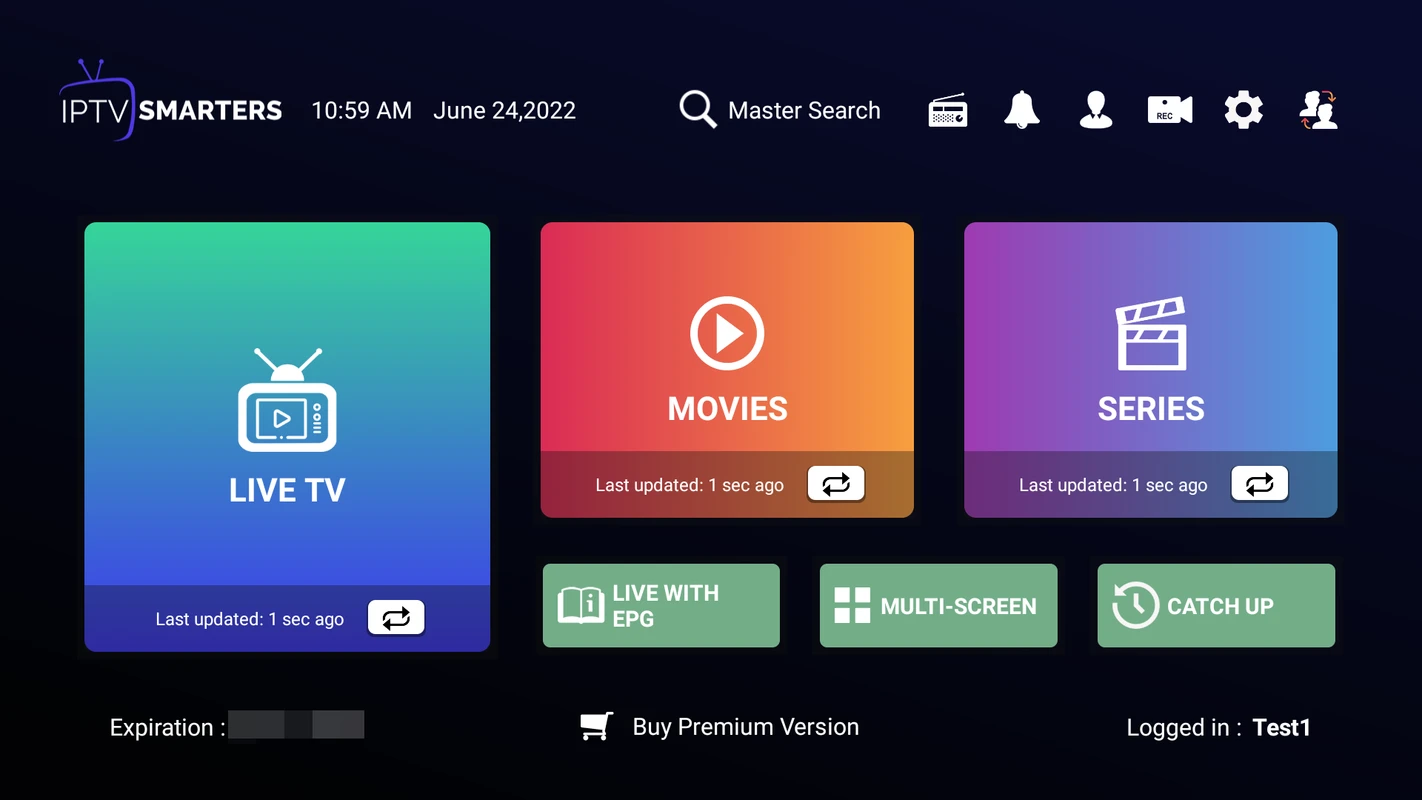
IPTV Smarters Pro is one of the most widely used IPTV players, and an easy place to start. The home screen is split into Live TV, Movies and Series, and it supports multi-screen viewing, catch-up and parental controls. It is also one of the few players that runs on almost everything: Android, iPhone and iPad, Fire TV, Samsung and LG Smart TVs, Windows and Mac.
- Best For: Beginners, and anyone who wants the same app on a phone and a TV.
- Key Feature: Multi-screen viewing, so you can watch more than one channel at once.
- Platform: Android, iOS, Fire TV, Samsung, LG, Windows, Mac.
- Limit: Some features sit behind the paid Premium version.
2. TiviMate IPTV Player
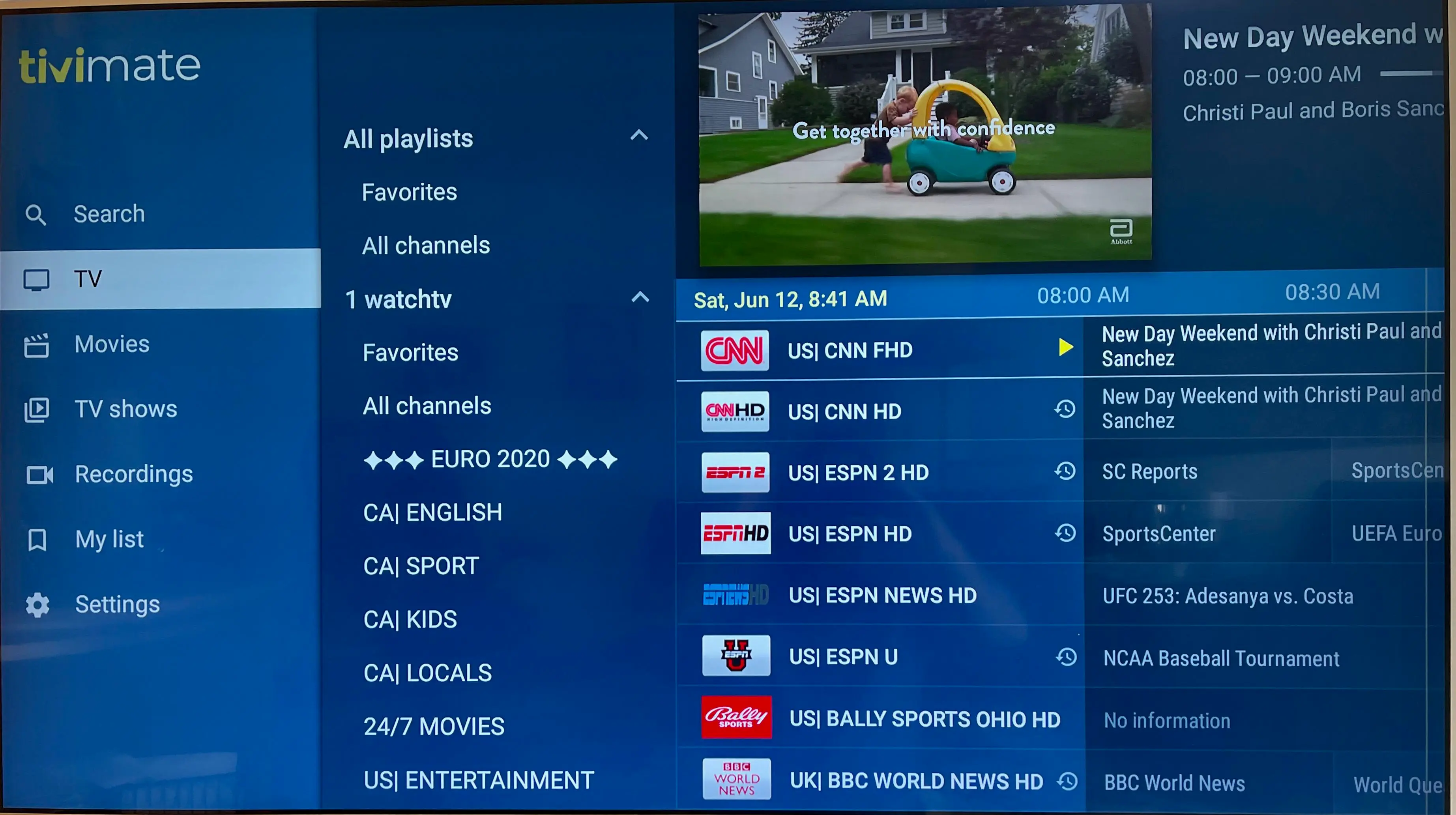
If you watch mostly on an Android TV box or a Fire TV, TiviMate is the one to beat. It is built for a remote control rather than a touchscreen, and its guide looks like a cable box, only faster. If live sport is the reason you subscribe, read what to check in an IPTV service for sports before you choose a player.
- Best For: Nvidia Shield, Fire TV, Google TV and Android TV boxes.
- Key Feature: A fast EPG and a modern layout.
- Price: The free version is limited. Premium adds multiple playlists, recording, multi-view and catch-up, and is sold as a yearly or lifetime upgrade.
- Limit: There is no iPhone, Samsung or LG version.
3. OTT Navigator
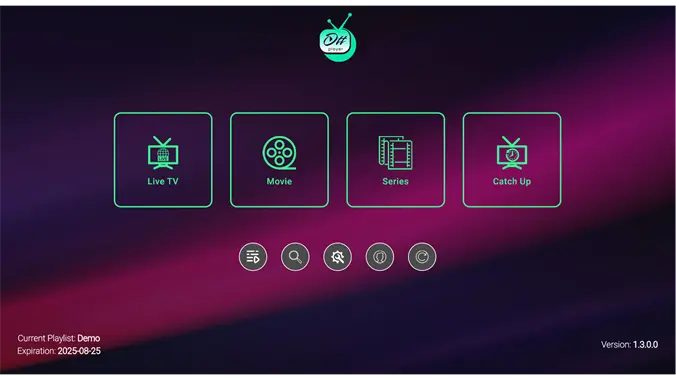
The biggest rival to TiviMate. OTT Navigator is highly customizable and can merge several playlists into a single channel list and guide. If you like to tinker with settings to get a buffer-free picture, this is the app for you. When a stream still stalls after you have tuned it, the cause is usually the connection, not the player: our IPTV buffering fix checklist covers that.
- Best For: Advanced Android users with more than one playlist.
- Key Feature: Several playlists combined into one list and guide.
- Price: Free with ads while you browse, with a paid Premium unlock.
- Limit: On Fire TV you have to sideload it.
4. Televizo
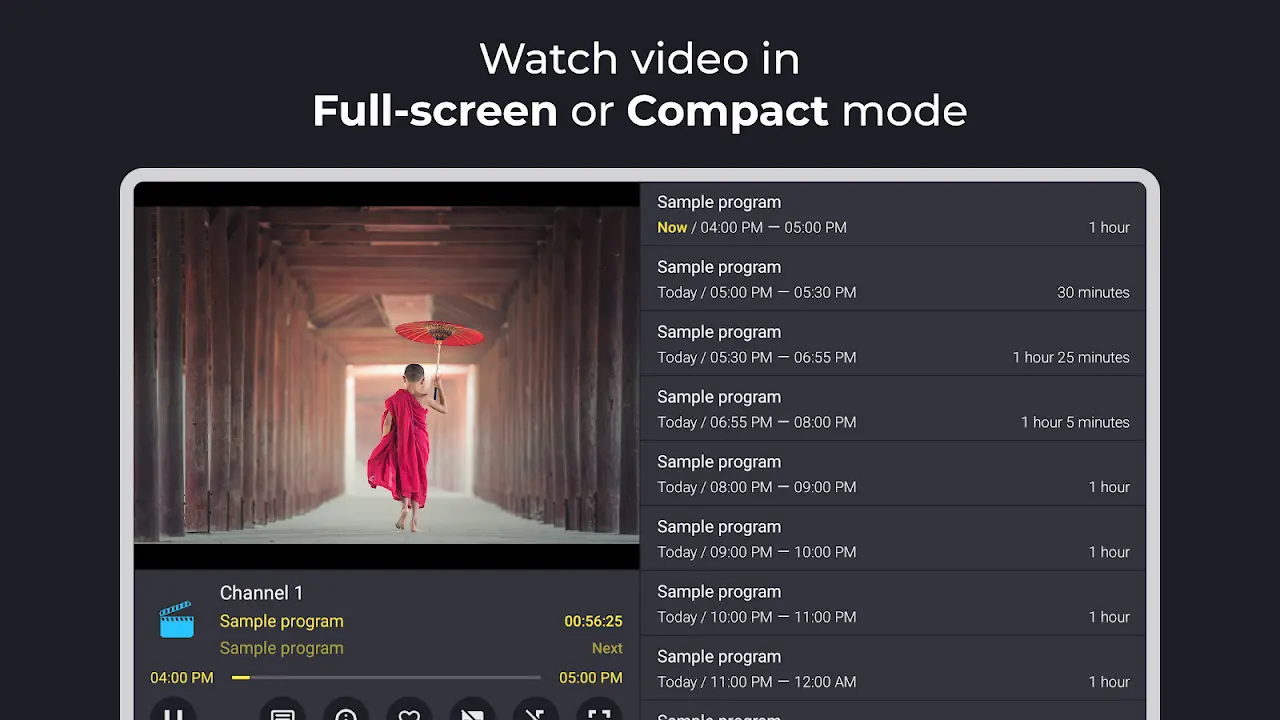
While TiviMate rules the TV, Televizo rules the phone and tablet. It is lightweight, quick and laid out for touchscreens. Fire TV owners can find it in the Amazon Appstore, so it does not need sideloading.
- Best For: Android phones and tablets.
- Key Feature: A clean layout, and an ad-free experience once you buy Premium (a one-time purchase, with a one-hour trial).
- Limit: The free version shows ads. Parental control and backup and restore are Premium features.
5. XCIPTV Player
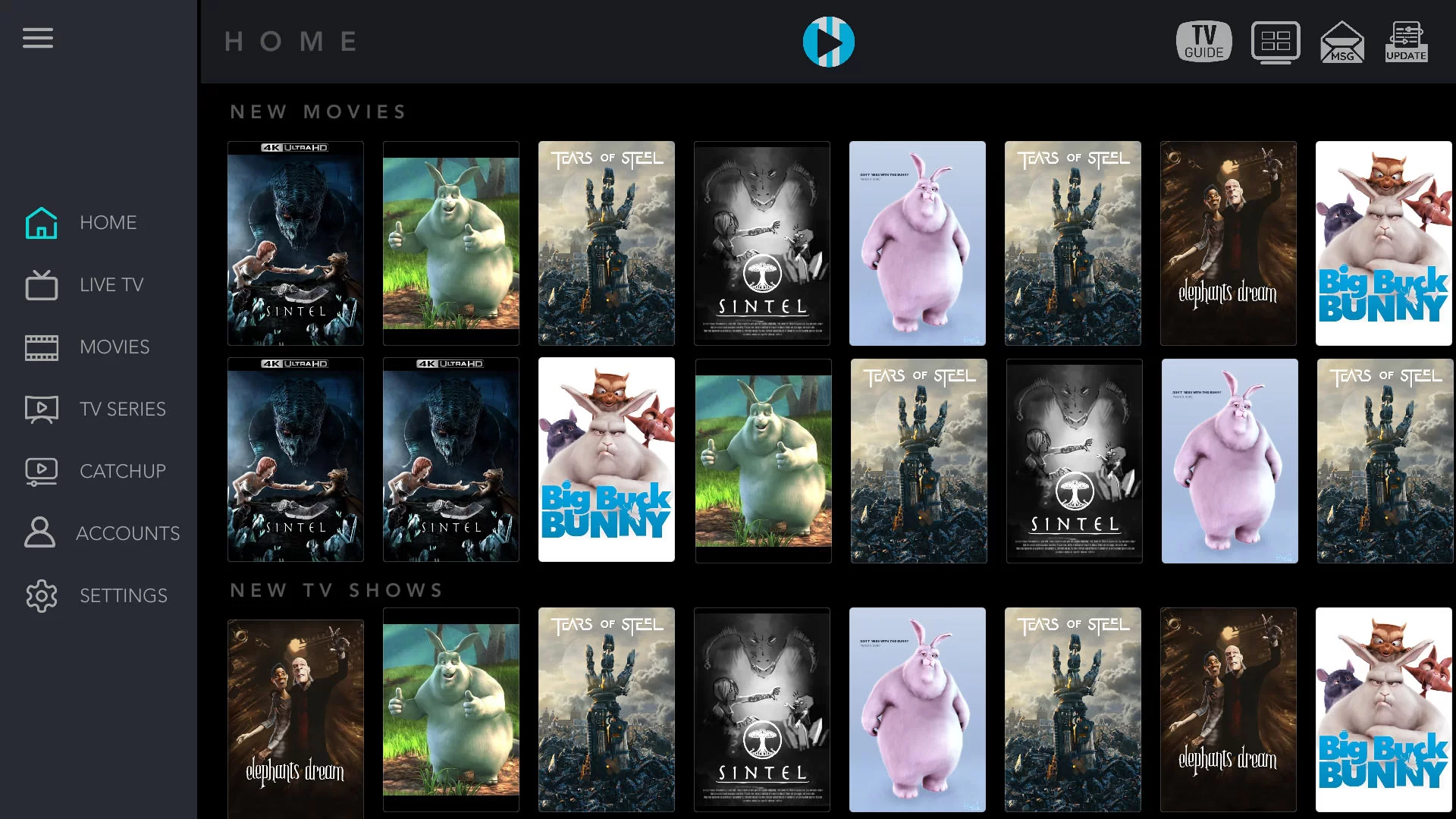
XCIPTV is known for its simple, blue-themed interface. It is similar to Smarters, but it often loads the movie and series library faster. It ships with two built-in players, ExoPlayer and VLC, so almost any video format plays smoothly. Some older guides tell you to run a VPN with your player; our guide on whether you need a VPN for IPTV explains when that helps and when it does not.
- Best For: Older Android boxes.
- Key Feature: Two built-in players, ExoPlayer and VLC.
- Limit: Android only.
6. Purple IPTV Player
Purple IPTV Player is a free player for Android TV, Fire TV, phones and tablets. Its strength is organizing: a universal favorites page collects the channels you actually watch, so a long playlist stays manageable.
- Best For: Organizing large channel lists.
- Key Feature: One favorites page for the channels you actually watch.
- Limit: Android-based devices only.
7. Flix IPTV
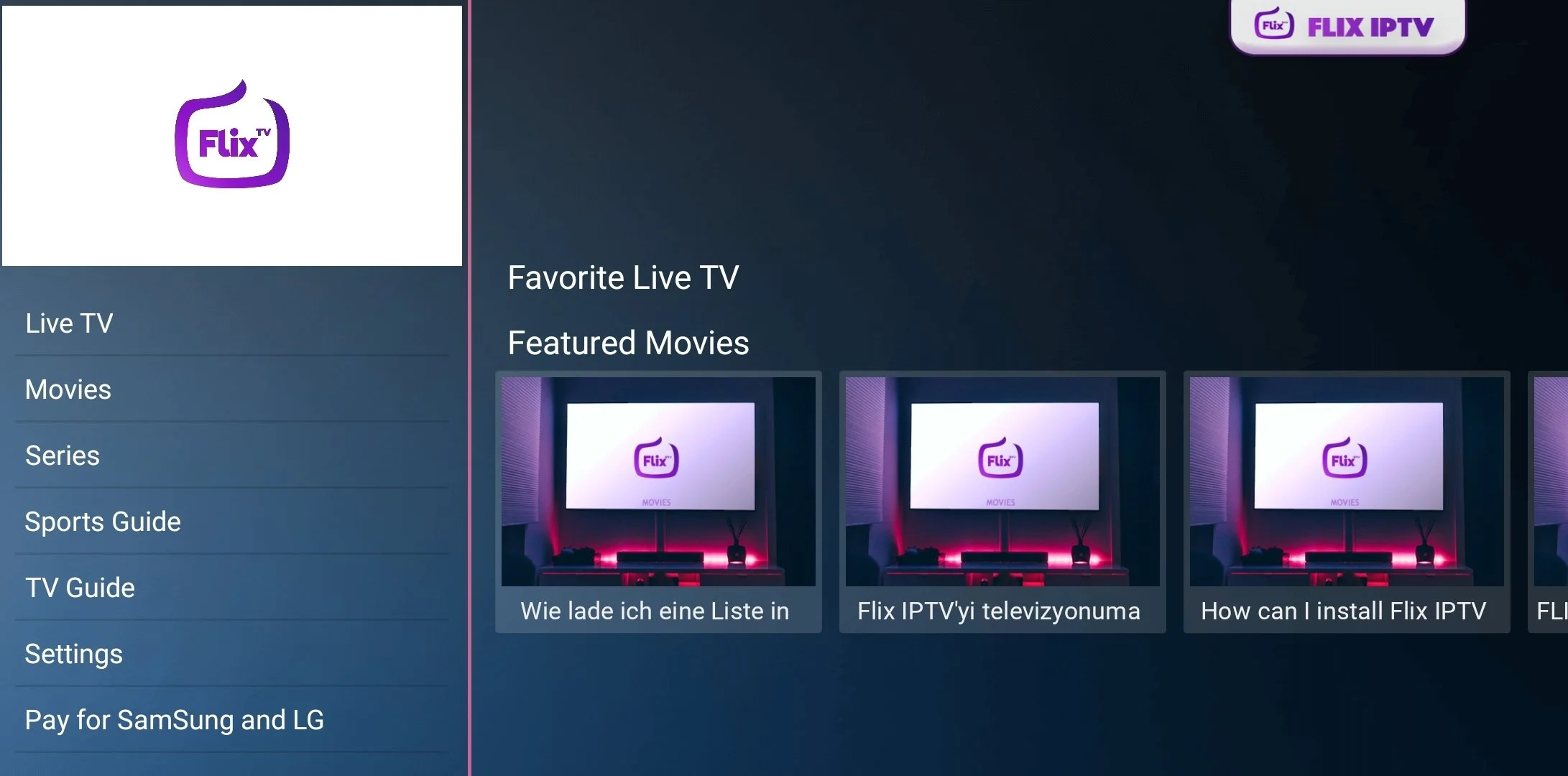
For Samsung or LG Smart TVs that cannot install Android APKs, Flix IPTV is the practical choice. It runs on Samsung (2016 and newer) and LG webOS TVs, and on Android TV. You get a 7-day trial, then pay a one-time activation fee. The activation is tied to that one TV, so a second TV needs its own; if you plan to watch on several screens, read how many devices one IPTV subscription covers first.
- Best For: Samsung Tizen and LG webOS.
- Key Feature: Installs from the Samsung and LG app stores.
- Limit: The fee applies per TV.
Which one to pick
- Firestick, Google TV or Nvidia Shield: start with TiviMate. Use OTT Navigator if you want to tweak more.
- Android phone or tablet: Televizo.
- iPhone or iPad: IPTV Smarters Pro.
- Samsung or LG TV: Flix IPTV, or IPTV Smarters Pro from the TV's app store.
- Old Android box: XCIPTV.
Whichever app you choose, it only plays what your subscription provides. IPTVpakket includes 120,000+ live channels and 80,000+ movies and series, and you can compare the IPTVpakket plans before you pick a player.